

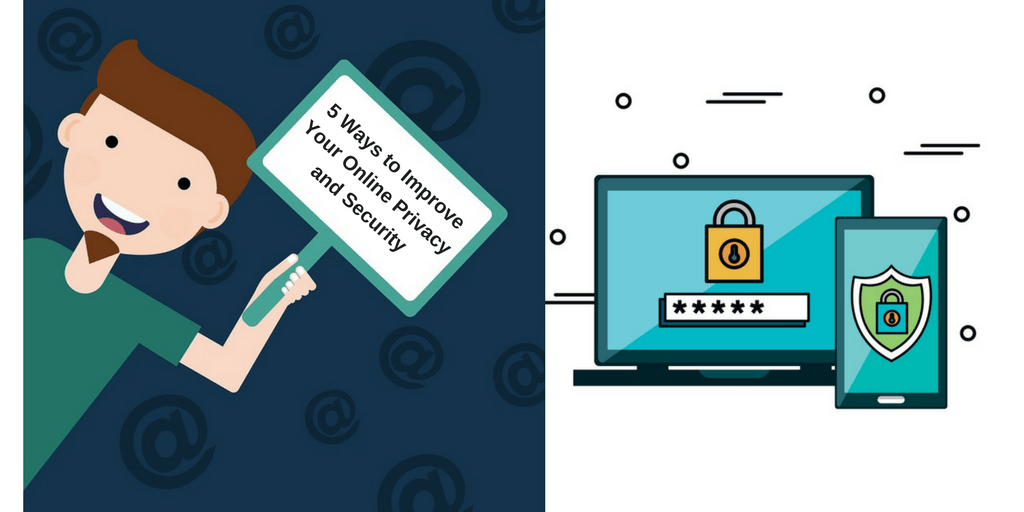
You should care about your privacy online even if you think you have nothing to hide. A key aspect of privacy is being able to choose what information you share publicly and what is private. Would you want your bank account balance displayed for anyone to see? What about your medical history?
Encryption is a vital tool for protecting private communications online from unwanted eyes. We use it every day, often without even realizing it. But, encryption is not magic. If you want to better protect your privacy online, here are five steps you can take right now:
- Use End to End Encryption for all Messages:
 End to End (E2E) encryption is a way to secure the messages you send via email or a messaging app so that they can only by read by those you intended to read it including your friends, bank, doctor, etc. Read the fine print – not all encrypted services are E2E. Use messaging apps that have E2E encryption (e.g. Signal, Wire). Encourage your friends and family to switch to an app that has E2E. Remember that sending an unencrypted message is like sending a postcard. Anyone can read it and you wouldn’t even know. One popular method of setting up encrypted email is via Pretty Good Privacy (PGP). You can read how to do it at http://openpgp.org.
- Use a VPN:
 A virtual private network (VPN) will encrypt your Internet traffic and send it through a server that physically sits in another location. It acts like a tunnel. This means that your Internet Service Provider (ISP) will no longer be able track your online activity, but will only see traffic coming in and out of the VPN.
- Use an SSL Browser Extension:
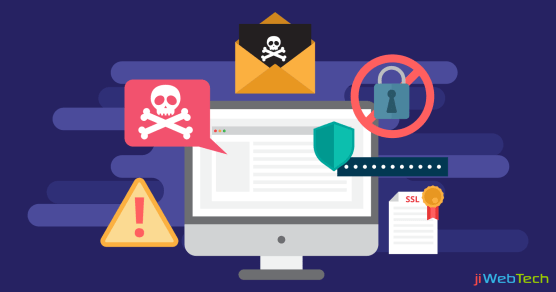 Many websites can encrypt the information you send and receive, typically using a protocol called Secure Socket Layer (SSL). If you do your banking or shopping online, you may be familiar with SSL already. Many browsers will show a closed padlock symbol when a website is using the protocol. Browser plugins and extensions like the open-source HTTPS Everywhere will ensure that if a website offers an encrypted SSL connection, it will use it.
- Secure your Devices with 2-Factor Authentication:
 2-Factor Authentication (2FA) is a way of providing additional reassurance that only you have access to your data. (For greater data security, you should use this with encryption.) With 2FA, two factors must be compromised to gain access, rather than just one. They should be different kinds of factors, such as one thing you know (e.g. a password or an answer to a security question) and something you have (e.g. a hardware 2FA device like a YubiKey). A YubiKey is almost like a car’s ignition key, but for your computer. It means you’ll need a small USB key, plus a username and password, to access your files or log in to your apps and services. You can even keep it on your key-ring.
- Change your Internet and Technology Habits:
 The methods above provide some specific ways to protect your data during certain online activities. However, they are only as effective as the person using them. Be aware of when you are being protected and when you aren’t. Shape your online activities and preferences towards safer options (e.g. use E2E and 2FA, turn privacy settings on, be deliberate about what you share). But, remember that no method offers perfect protection.

 TechRangers